Switch to IONI: Move Your Food Safety Records From Paper or Spreadsheets
Your checklists, logs and SOPs already exist, but they live on clipboards, in Excel or in a tool your team built. IONI reads your own documents and proposes the checks, hazards and records, and your QA team confirms each one. Every log then keeps who filled it in, who reviewed it and what happened when a check failed.
Free trial with your own documents. No credit card.
What Does Switching to IONI Mean?
Switching means moving the checks you already run (monitoring, sanitation, calibration, receiving and batch records) from paper, Excel or a homemade tool into one system. IONI keeps a dated record of every check, who completed it and who reviewed it, and links checks to lots and batches for traceability. It covers food safety and production records on one platform. It is not a full ERP.
Built for food manufacturers, co-packers and brands that run on paper, spreadsheets or a homemade tool and need records an auditor or customer will accept.
Who This Is For
Food plants whose checks live on clipboards, binders, shared spreadsheets or an in-house tool. QA managers who want checks, logs, deviations and documents in one place. Teams preparing for SQF, BRCGS, FSMA or customer audits who need records that show who did what.
The Problem With Paper and Spreadsheet Records
Why paper and spreadsheet records fall apart under audit
Gaps Show Up in the Binder
Paper checks get filled in at the end of the shift, or not at all. When an auditor asks for last month's logs, the binder or the sheet has gaps.
Records Live in Many Places
Checks in one binder, lots in a spreadsheet, SOPs on a shared drive. Answering a recall or audit question means gathering all of it by hand.
We Start From Your Documents
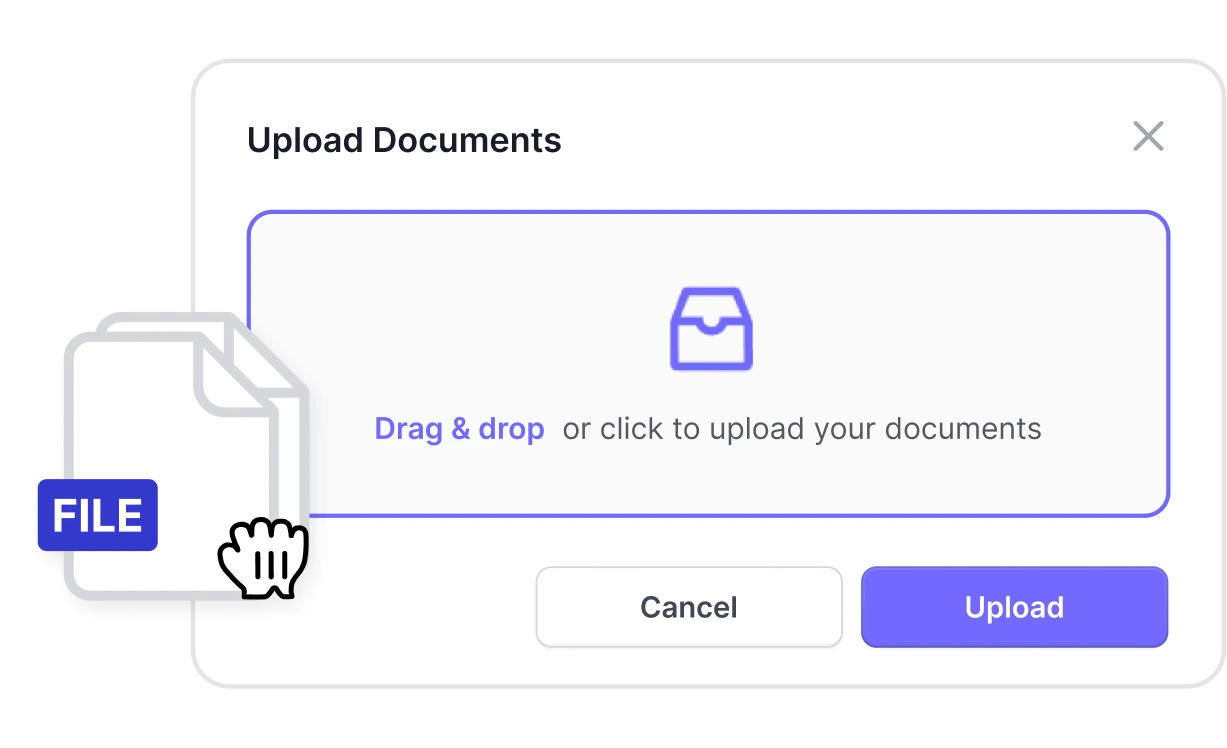
Connect Google Drive or OneDrive, or upload your existing checklists, SOPs and HACCP documents. IONI proposes checks from them and your QA team confirms each one, so you are not retyping everything.
How Switching Works in 4 Steps
From paper or spreadsheets to digital records
Step 1
Add your existing documents
Connect Google Drive or OneDrive, or upload up to 100 files or a folder: checklists, SOPs and plans. Connect Google Drive or OneDrive, or upload up to 100 files or a folder: checklists, SOPs and plans.
Step 2
Review what IONI proposes
An AI task reads up to 5 files at a time and proposes facility details, product groups, hazards and checks. Your QA team confirms each subtask.
Step 3
Your team works on the floor
Operators pick their name, enter a 4-digit PIN and complete each check with a pass or fail, a note or a photo.
Step 4
Managers review and fix
Review logs by date range, person or filter in one action. When a check fails, log the deviation and close the corrective action with a note or a file.
Monitoring, sanitation, calibration and verification checks run on schedules and triggers, such as per shift, batch start or lot received, instead of a paper list.
Logs With Who and When
Every check execution is a log entry that keeps who filled it in and who reviewed it. A fail stays a fail.
Deviations and CAPA
Log a deviation when a check fails and close the corrective action with a note or a file, so the fix is on record.
Document Library
Keep SOPs, policies and certificates in one searchable library instead of a binder behind the office door.
Batch Audit View
One view per batch: check logs, backward ingredient trace, forward shipments, consumption and batch change history.
Exports You Keep
Export your documents as a ZIP and the traceability report as a PDF for auditors. Products and suppliers can be loaded from CSV.
Enterprise-Grade Security
Your data stays secure, controlled, and audit-ready with strict compliance and protection standards.
GDPR
EU data protection and privacy compliance
Completed
SOC 2 Type II
Continuous security monitoring and controls
In progress
ISO 27001
Information security management standard
In progress
Still on Paper or Excel? Let's Look at Your Documents
Free trial with your own documents. No credit card.
We'll show how IONI fits your specific setup. No commitment.
Switching FAQ
Answers
Why switch from paper or spreadsheets?
Restaurant food safety software replaces paper checklists, binders and spreadsheets with a digital system for daily checks, temperature and cleaning logs, corrective actions, training records and documents.
An inspector or owner can ask for a record at any time. Paper systems have gaps and take time to dig through. A digital system shows what was checked, by whom, and what was done when something failed.
How is IONI different from a spreadsheet?
IONI starts from your own documents and turns them into scheduled checks. Each log keeps who filled it in and who reviewed it. Operators cannot confirm logs, and a person cannot confirm their own log. A shared spreadsheet does not enforce that separation.
What do I need to bring?
Your existing checklists, SOPs and HACCP documents, uploaded (up to 100 files at a time) or connected from Google Drive or OneDrive.
Does IONI set up my checks for me?
IONI's AI reads your documents and proposes the checks, hazards and records. Your QA team reviews and confirms each one before it becomes part of the system.
What if my team is not tech-savvy?
Operators see a short list of checks, pick their name and enter a 4-digit PIN on the floor. Five wrong PIN entries lock that operator for 15 minutes.
Can I keep my existing records?
You can export your documents as a ZIP and a batch traceability report as a PDF. Ask in a demo how your older records fit.
Can I switch from paper or another system?
Yes. Start from your existing checklists, logs and SOPs. IONI proposes the checks and your team confirms them. Your SOPs and policies go into the document library.
Does IONI provide digital checklists and logs?
Yes. Checks run on schedules and triggers, and staff record a pass or fail, a note or a photo. Every entry keeps who did it and when.
Does IONI replace spreadsheets for lots and batches?
IONI covers lots, inventory, batches and traceability on the same platform as the checks, so a batch links to its ingredient lots and its shipments.
Is IONI an ERP?
No. IONI is not a full ERP. It covers food safety checks, lots, batches and traceability, with an optional cost module on the same lots.
Cookie Policy
IONI uses cookies to enhance your experience, analyze traffic, and personalize content. By continuing to browse, you agree to our use of cookies. You can manage your preferences in the settings.
Disagree
Agree
Manage Cookies
Cookie settings
By clicking "Accept all cookies", you agree to storing cookies on your device to enhance site navigation, analyze site usage and assist in our marketing efforts as outlined in our privacy policy.